
Arc Timeline 4
Arc Timeline records where you go, how you get there and how long you stay. It all happens in the background, with no buttons to press, and builds into a detailed timeline of your days that you can search.

Free to download, with a free trial. For iPhone, iOS 26 or later.

Leave it running. The day assembles itself.
Raw location goes in. Out come visits and trips: where you stopped, how you travelled, how long you stayed.
Illustration: a made-up day in a made-up city.
What it records
Arc works out the shape of your day from your iPhone's location and motion sensors, and keeps refining it as you go.
- Visits and tripsEvery place you stop and every journey between them, detected automatically.
- How you got thereWalking, running, cycling, driving, train, bus, airplane and more than 20 other activity types.
- Your places, by nameArc learns the places you go and recognises them when you return.
- Health alongsideSteps, floors climbed, energy burned and heart rate from Apple Health, shown with each visit and trip. Trips also get an altitude chart.
- Photos in their placeThe photos you took that day appear on your timeline, with the visit or trip they belong to.
- Your whole history, searchableFind any place, any trip, any day.
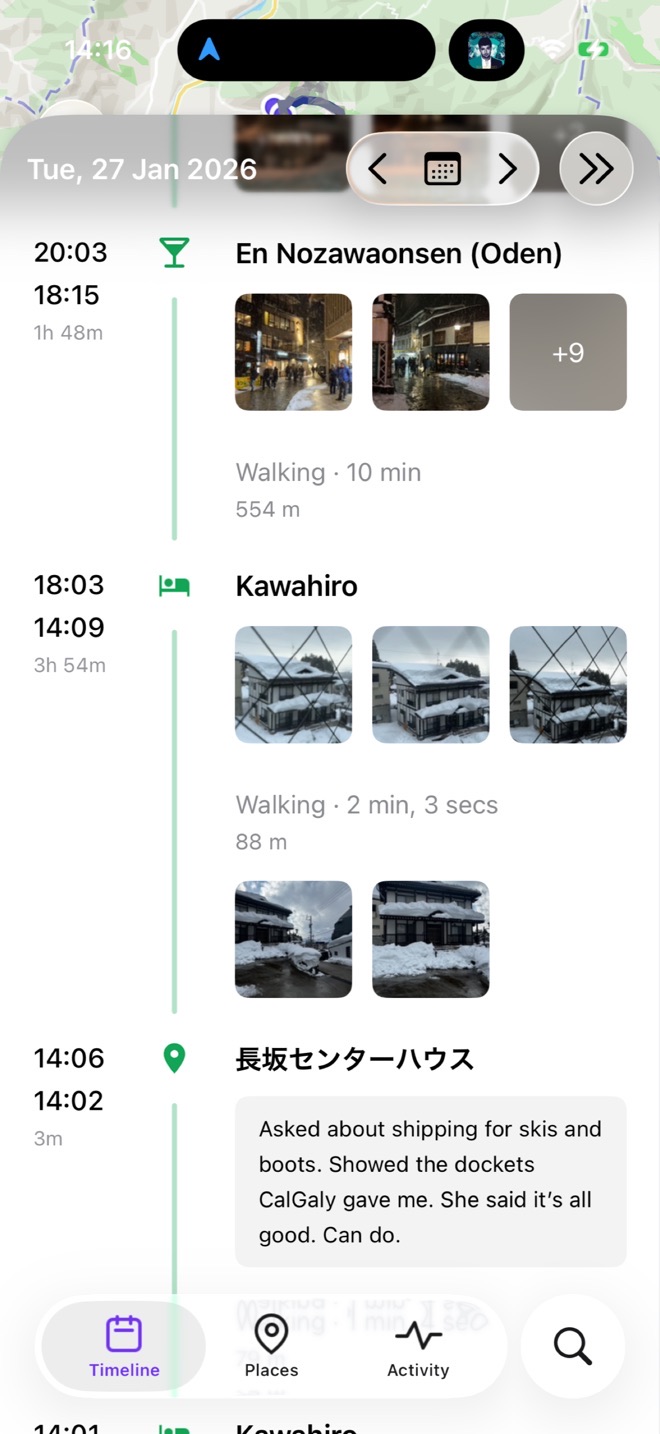
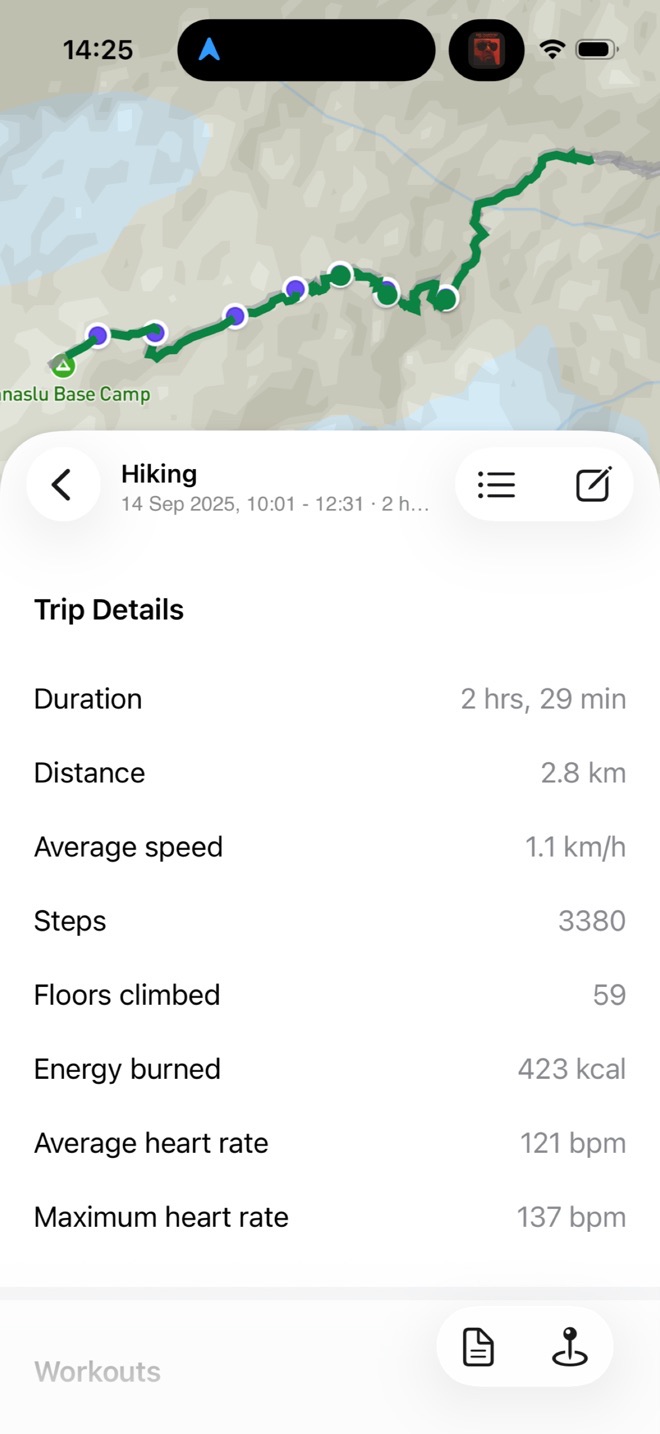
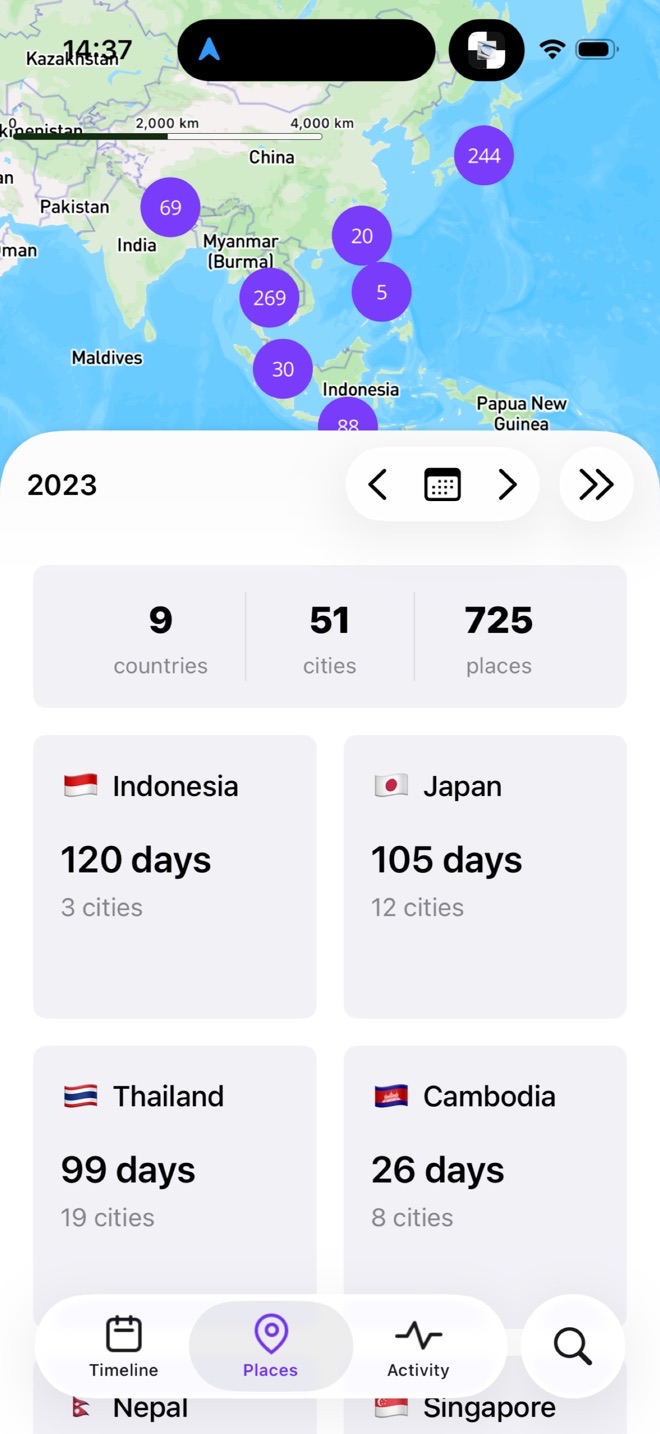
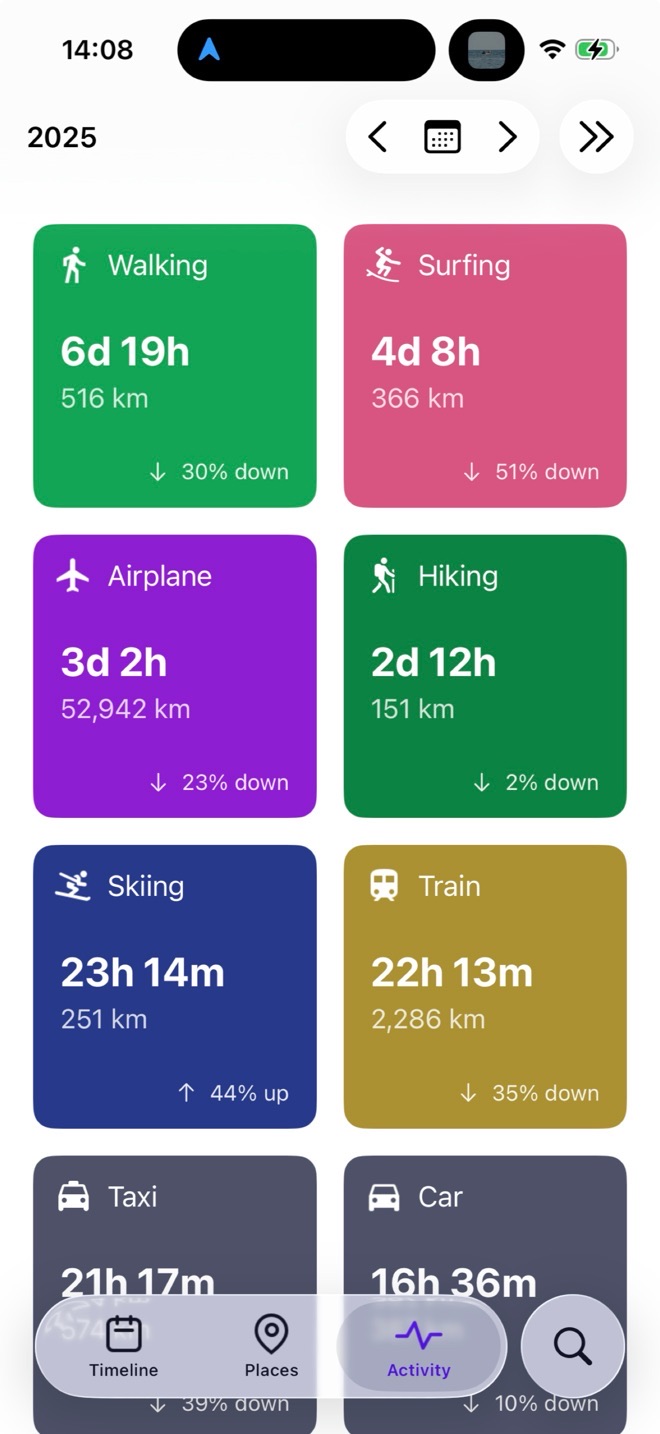
It records in the background
Arc does its work in the background, all day, every day. There is nothing to start or stop. The one thing it needs from you is to be left running.
It learns as it goes. When you correct a place or the way you travelled, Arc learns from it, and gets your days right more often.
About battery
Recording your whole day takes some energy, and more detail takes more. Arc aims for the detailed end: accurate paths, accurate arrival and leaving times, and the right way of getting there. When you stay in one place it drops into a low-power sleep mode, and when you move again it picks back up.
Your timeline lives on your iPhone
Your timeline is stored on your iPhone. Recording doesn't need a network connection. There's no account to create and nothing to sign up for.
Backups to your own iCloud account are optional: turn them on in Settings, under Backup & Restore. You can export your data at any time, as JSON or GPX, including automatic daily and weekly exports to iCloud Drive.
Coming from Arc Timeline 3?
Arc Timeline 4 is the current Arc app. The original Arc Timeline has been on the App Store since 2016, and Arc Timeline 4 can bring your history across: from the old app on the same iPhone, or from your Arc Timeline 3 backups in iCloud Drive.
Price
Arc Timeline 4 is free to download and starts with a free trial. After the trial it needs a subscription, monthly or yearly, or a one-time Lifetime purchase.
- $5.99per month
- $44.99per year
- $219.99Lifetime, one time
US prices. Prices differ by country, and the App Store shows yours.
Also in Arc Timeline 4
- Import GPX filesRoutes, workouts and old exports from other apps, added to your timeline and removable again later.
- WidgetsYour current activity on the Home Screen and Lock Screen.
- ShortcutsSearch Arc Timeline, Open Place, and When Was I Last At.
- CalendarSync your visits to your calendar.
- Share a dayExport a day of your timeline as an image.
- Map stylesChoose your map, with separate styles for light and dark mode.
Illustrations, not screenshots.
At a glance
- What it is
- An automatic location and activity timeline for iPhone
- Requires
- iPhone with iOS 26 or later
- Price
- Free download and free trial, then a subscription or a one-time Lifetime purchase
- Where your data is
- On your iPhone, with optional backups to your own iCloud account
- Languages
- English, French, German, Japanese, Spanish, Thai, Simplified Chinese and Traditional Chinese
- First released
- April 2026. The original Arc Timeline has been on the App Store since November 2016.
- Made by
- Big Paua, an independent developer
- Support
- The Big Paua support forum